What Are Unitree A2 Robots Built For
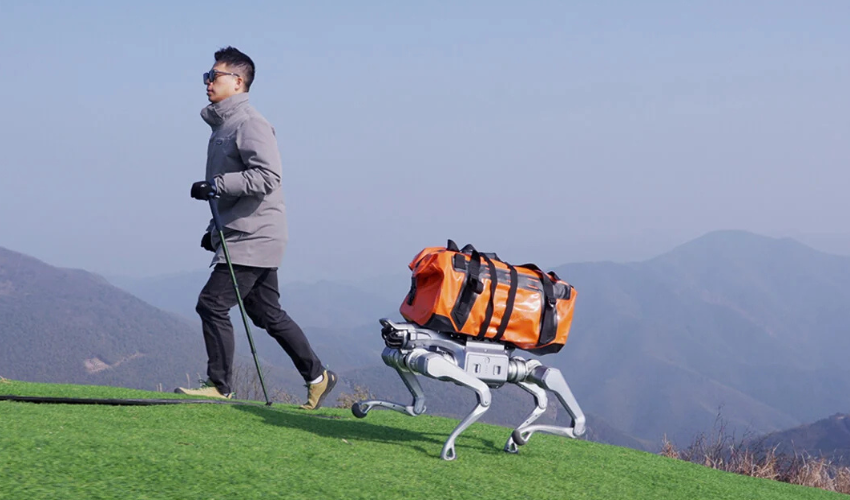
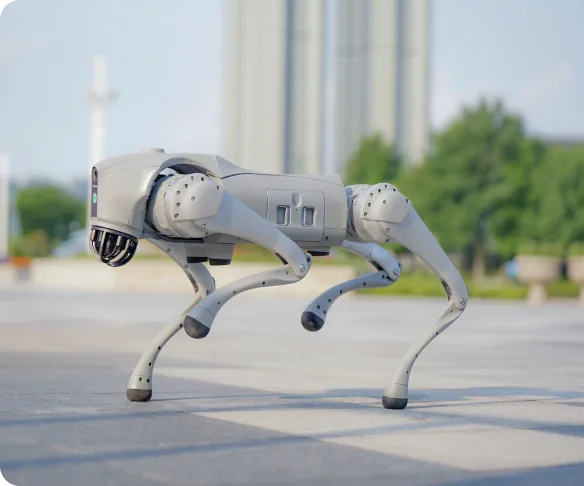
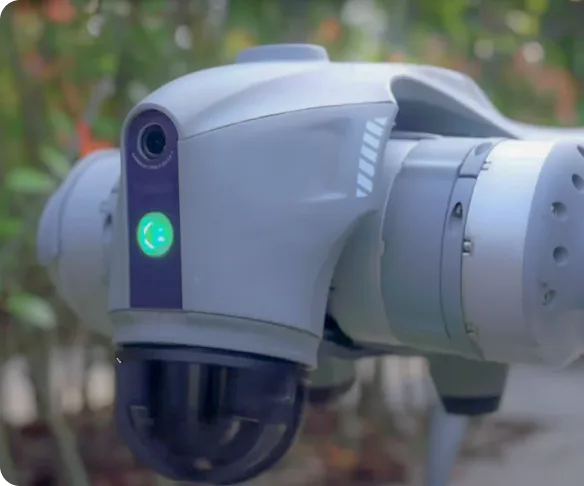
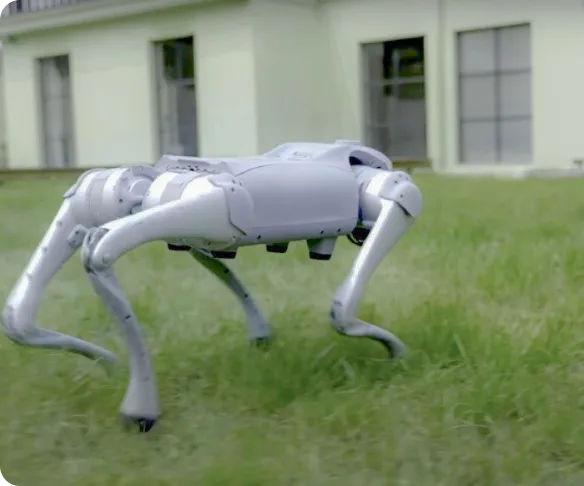
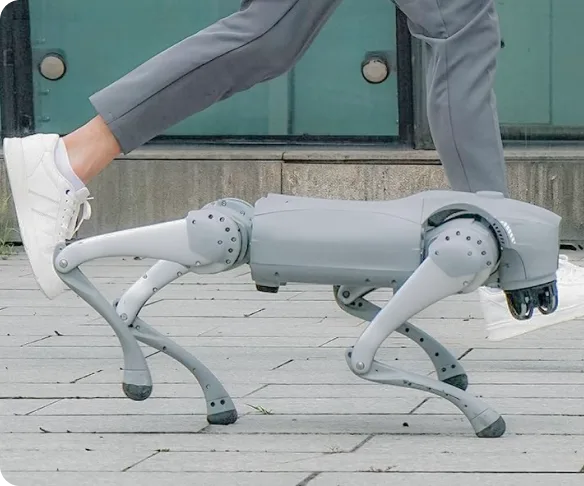
The Unitree A2 robot is a 37 kg quadruped (with dual batteries) built for inspection, logistics, and field research. It carries an effective payload of 25 kg, climbs 30 cm stairs, handles 45° slopes, and operates from -20°C to 55°C.
Its runtime sets it apart from smaller quadrupeds. Unloaded, the A2 walks for about 5 hours and covers roughly 20 km. With a full 25 kg payload, it runs about 3 hours and 12.5 km. A dual-bay system holds two 9,000 mAh packs, and each pack charges in about an hour.
Development teams get two onboard computers: an 8-core CPU for platform functions and an Intel Core i7 for user code. The A2 supports high-level and low-level secondary development, with robot models and simulation interfaces for environments like Isaac Sim.
Unitree A2 Standard or A2 Pro?
Unitree A2 robots come in two configurations. Depending on the use case scenario, each team may require a different model.
Choose the A2 Standard if your team is building its own navigation stack or testing on a controlled indoor site. Choose the A2 Pro if the robot needs to map outdoor sites, stay connected over 4G, or keep working in rain and dust.
What to Ask an A2 Robot Supplier
Most Unitree A2 listings show the same specs and the same pricing. The differences between suppliers show up after the sale. These six questions sort them out.
Who handles warranty repairs, and where?
The Unitree A2 carries a one-year warranty on the entire unit. Ask who performs the repair and where the robot goes for service. A supplier with local, Unitree-trained technicians can turn a repair in days. A supplier without them routes your robot back through the supply chain to China.
Are you an official Unitree partner?
Official partners work directly with Unitree on parts, firmware, and warranty claims. Ask the supplier to confirm partner status. A seller with no formal relationship to the manufacturer has fewer ways to resolve a hardware problem quickly.
Will you help with integration?
The A2’s open development interfaces pay off only if your team can use them. Ask whether the supplier helps set up the SDK, the simulation environment, and payloads like extra cameras, sensors, or a manipulator arm.
What happens when the robot arrives?
The first week sets the pace for the project. Ask whether the supplier walks your team through first power-on, the app and remote, battery handling, and safe operating limits. A team that gets a guided start writes its first code sooner. A team left with a manual and a crate spends that week troubleshooting.
What does the quote include?
Compare quotes on the same basis: configuration, batteries, charger, remote controller, shipping, duties, and support. A lower sticker price can hide import fees and a longer lead time.
The Alternative: Buying a Unitree A2 Direct or Through an Unofficial Reseller
Some teams import a Unitree A2 directly or buy from a marketplace seller to save money. Although the hardware is identical, the support varies. Purchasing from another continent means clearing customs yourself, waiting on support across time zones, and shipping the robot abroad for warranty work.
For a lab with flexible timelines, that trade can work. For a team with a pilot deadline or a client demo, a month of downtime costs more than the savings. Price out the downtime before you price out the robot.
Buy the Unitree A2 Through Toborlife AI
Toborlife AI is an official Unitree partner based in Mountain View, California. We provide warranty repairs, Unitree-trained technicians, and local robotics support across North America. Our team helps you choose between A2 Standard and A2 Pro, set up a development environment, and add payloads as the project grows.
Ready to spec an A2 for your project? Talk to a Robotics Expert →

Comments are closed for this post.