What Should Students Learn From a Quadruped Robot?
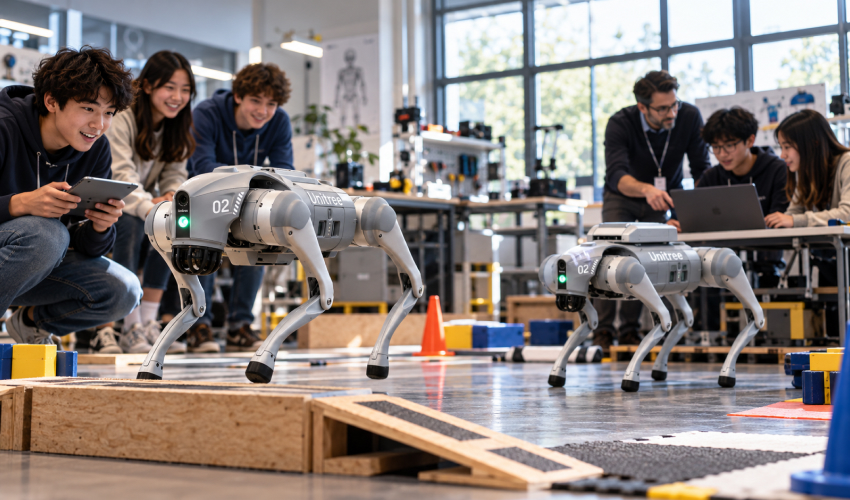
A one-day STEM event can use a quadruped to introduce balance, sensing, locomotion, and human-robot interaction. Students can observe how the robot responds to commands and discuss the engineering challenges of walking on four legs.
A robotics club may want more structured activities: documenting motion sequences, comparing terrain responses under controlled conditions, or exploring the relationship between sensor observations and navigation. The learning value comes from clear hypotheses and repeatable observations rather than the number of tricks the robot can perform.
An advanced programming class raises the requirements again. Students may need access to supported software interfaces, robot state information, or development tools. Those capabilities must be confirmed for the exact model, rather than assumed from its app or remote-control features.
How Does Go2 Pro Fit Demonstrations and Robotics Clubs?
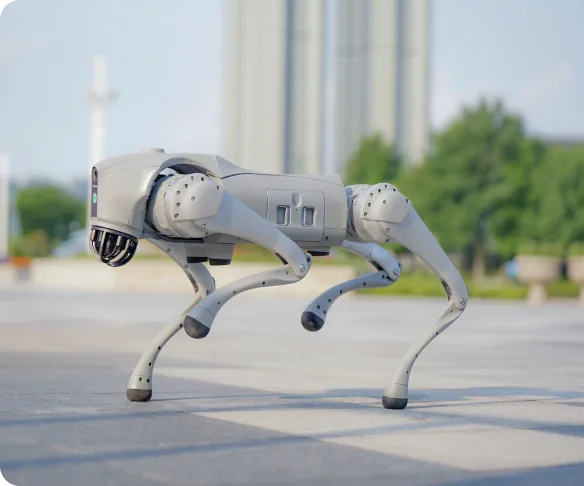
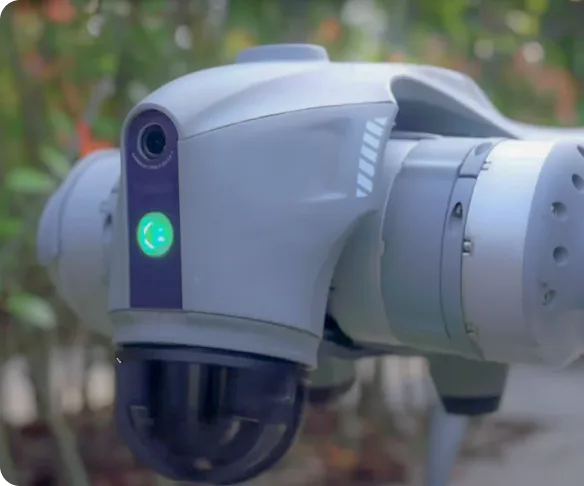
The September 2026 distributor workbook describes Go2 Pro as a consumer-oriented configuration with an eight-core processor, voice interaction, a camera, and 3D LiDAR inherited from the Go2 Air feature set. It also lists movement and interaction features designed for ready-to-use operation.
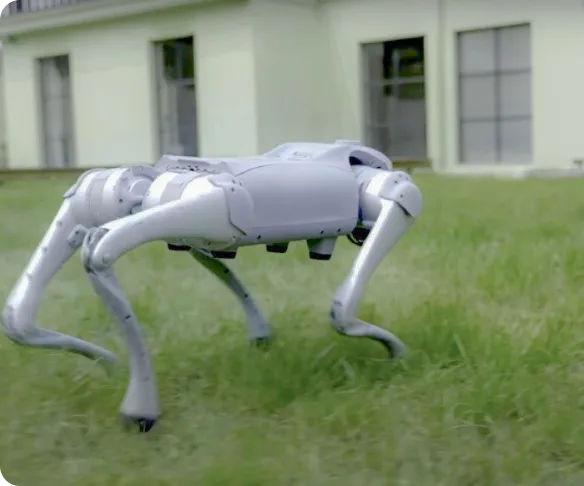
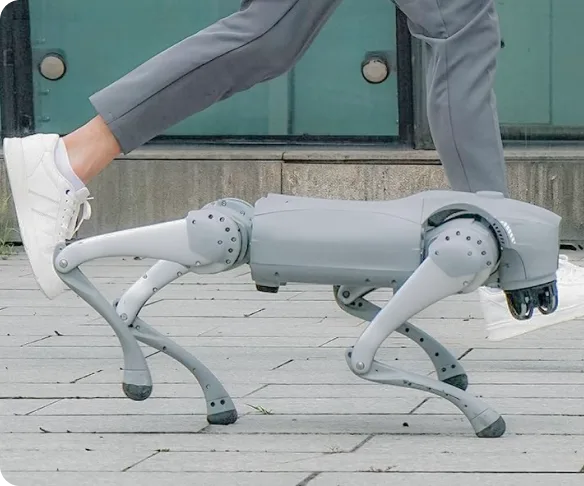
For a supervised STEM showcase, those functions can provide concrete teaching material. An instructor can use observed movement to explain joint actuation, onboard sensing, and the difference between executing a built-in action and developing a new control algorithm.
For recurring robotics club sessions, Go2 Pro may also be useful when the curriculum is built around observation, operation, and analysis. However, teachers should not interpret graphical app features as proof of unrestricted access to the robot’s low-level controls.
The key limitation is pedagogical. If the assignment requires students to implement their own robot controller, Go2 Pro should not be selected without confirmation that the required development functions are actually supported.
What Does Go2 Edu Add for Programming Courses?
Go2 Edu Standard is identified in the distributor workbook as an education and research configuration supporting secondary development. The listed configuration also includes a development expansion dock, a depth camera, and additional interfaces for technical experimentation.
These features make Go2 Edu a more relevant candidate for courses in which students need to build software around sensor observations or supported robot control. They do not eliminate the need for instructor preparation. A programming interface must still be documented, usable by the students, and appropriate for the planned experiment.
Schools should distinguish Go2 Edu Standard from higher Edu packages with different computing or sensing options. An upgrade listed for one configuration should not be presented as a standard feature of every Go2 Edu robot.
A useful project might compare observations from different sensing arrangements or build a supervised data-logging exercise. Each requires a clear baseline and safe operating limits.
Which Robot Fits Three Common School Scenarios?
For a STEM demonstration day, Go2 Pro can be a sensible candidate when the primary goal is engagement and explanation. The instructor can focus on visible quadruped behavior, basic sensing concepts, and discussion of real engineering constraints.
For a weekly robotics club, the decision depends on whether students mainly operate and analyze the robot or are expected to write new software. Go2 Pro may serve the former; Go2 Edu deserves consideration for the latter, subject to the school’s technical support and curriculum.
For a semester-long programming course, Go2 Edu Standard is the stronger starting point because development support is part of its documented positioning. Teachers should still verify the exact software interfaces and prepare assignments that match the available hardware.
A school should avoid buying a development-oriented robot solely because it sounds more advanced. If teachers lack time to prepare technical activities, additional computing and interfaces may not produce better learning outcomes.
How Should Schools Evaluate Battery Life and Classroom Readiness?
Battery specifications are useful only when attached to the correct configuration. The distributor workbook describes Go2 Edu Standard with a 15,000 mAh battery and a stated two-to-four-hour operating range. Those figures should not be assigned to Go2 Pro or treated as guaranteed classroom endurance.
Schools need to plan charging, storage, floor space, student separation, operator supervision, and procedures for stopping an activity. A demonstration that takes five minutes may require substantially more time for setup, explanation, and recovery between student groups.
For programming courses, teachers should also plan for failed experiments. Students need a safe way to restore a known software state, inspect the robot, and compare results across sessions.
These operational requirements often determine whether the robot becomes a recurring teaching resource or an occasional showcase attraction.
Does the Unitree Go2 Pro Price Reflect Educational Value?
A buyer searching for unitree go2 pro price should compare the complete teaching use case, not only the listed hardware cost. Go2 Pro may provide stronger value when the intended lessons depend on demonstration and guided observation. Go2 Edu may justify a larger investment when supported development access is central to the curriculum.
Additional spending can include protective equipment, batteries, instructor training time, computing resources, and appropriate space for supervised movement. A low purchase price offers little advantage if the selected robot cannot support the assignments the school plans to teach.
Which Go2 Configuration Should a School Choose?
Choose Go2 Pro for supervised demonstrations and observation-led STEM activities. Evaluate Go2 Edu Standard for structured programming courses and student experiments that genuinely require development interfaces.
For schools building a quadruped robotics program, review the Go2 Pro and Go2 Edu options through Toborlife AI. Match the exact configuration to the syllabus, instructor capabilities, and operating environment before committing the education budget.

Comments are closed for this post.